 ← Back
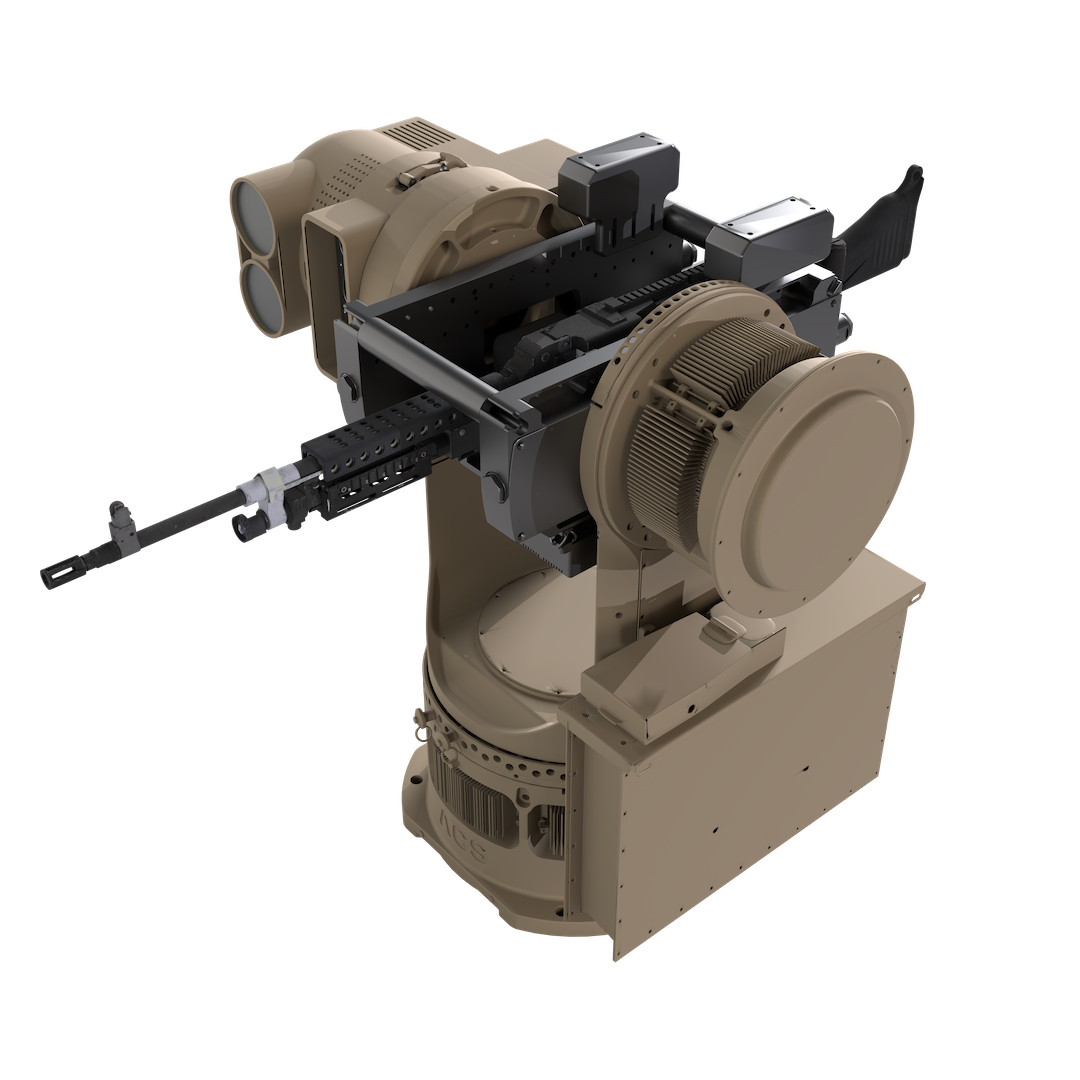
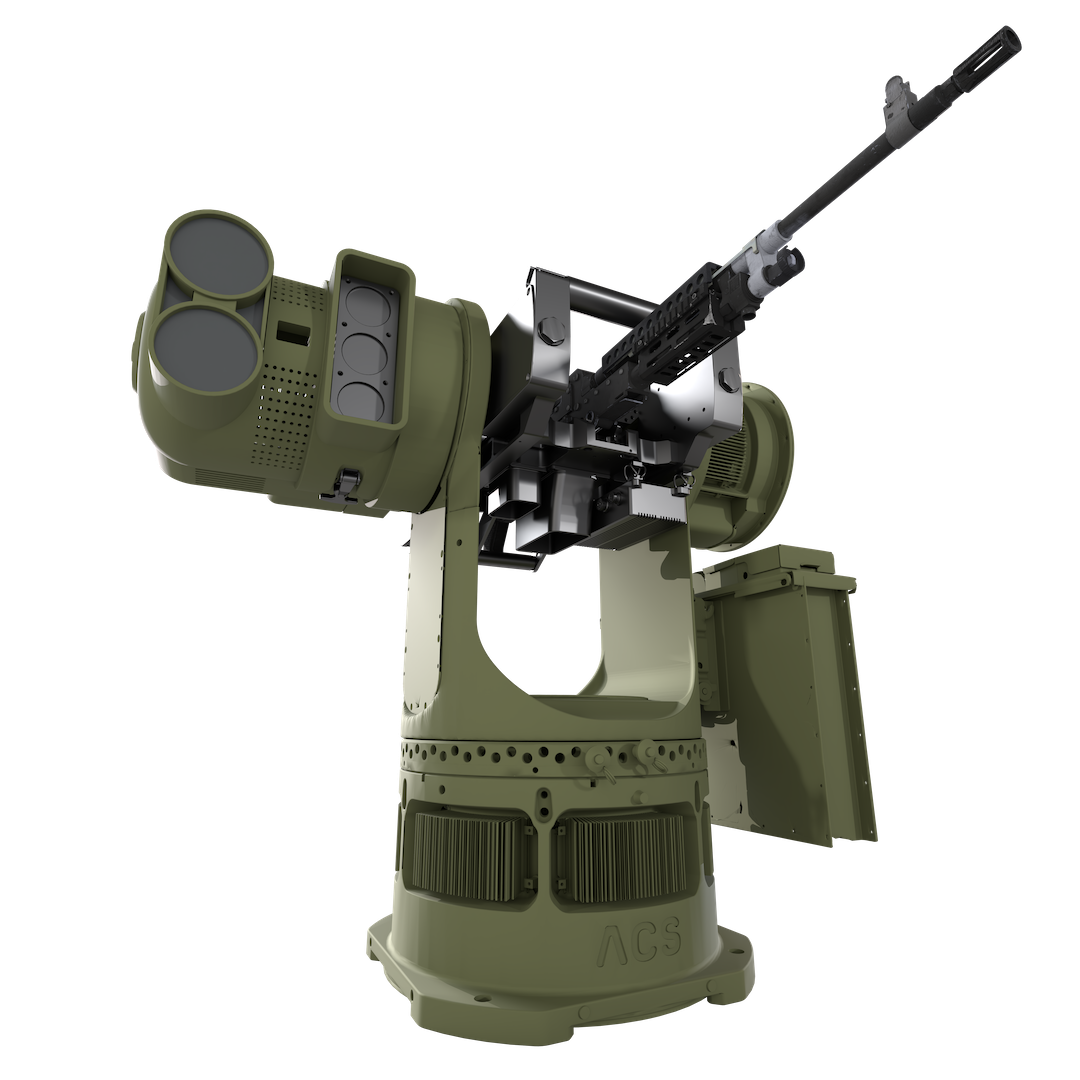
How to buy Bullfrog
- 1Sign in
- 2Find Bullfrog
- 3Add to cart
- 4Submit
Get an account
On cuas.mil, click Register
Pick your organization type
U.S. FederalDoW and federal agenciesState / Local / TerritorialIncluding law enforcementPartner NationNeeds a procurement-authority documentSubmit the form
Wait for the approval email
Ask for Member access. Viewer accounts can't add to cart.
Sign in
Enter your work email, click Continue
Set up Microsoft Authenticator
First sign-in only.
Buy Bullfrog
Search for Bullfrog and open it
Click Add to cart
Open the cart and add a shipping address
Required.
Click Submit request
It goes to your purchasing authority for approval.
Submitting doesn't commit funds. Final pricing occurs later with ACS and the C-UAS Marketplace team.
Add your team
Settings → Team → Invite teammate
Set their role to Member
It defaults to Viewer.